One housing, several separate decisions
A clock camera combines everyday desk functions with room viewing. That makes the format convenient, but it also creates a placement problem: the best position for reading the time may be different from the best position for recording a doorway or shared workspace.
Begin by choosing the view. Put an object roughly the size of the proposed clock on the intended shelf and look from that height toward the subject. Check whether a monitor, lamp or chair blocks the line of sight. Then check whether the display would still be easy to read and the buttons reachable.
Charging and speaker functions solve different needs
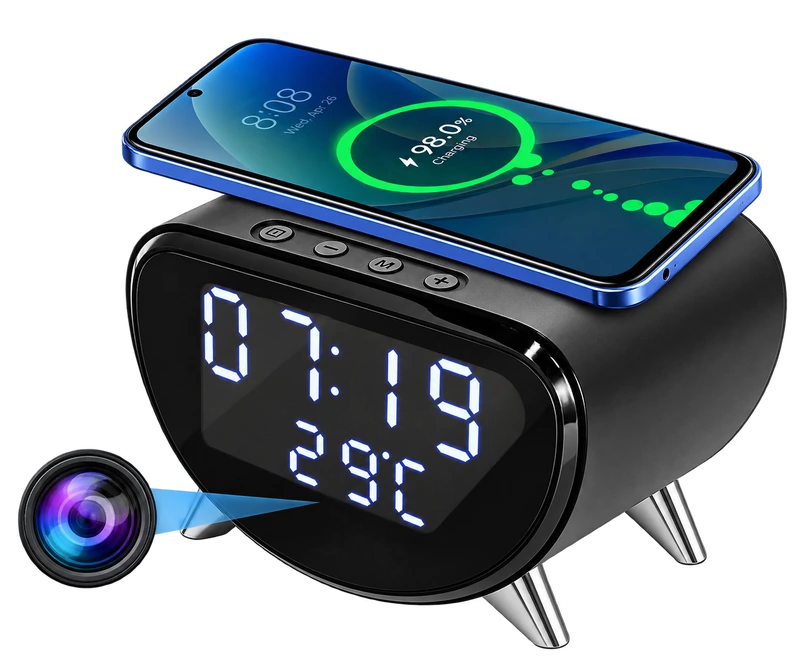
The wireless-charging clock camera in this collection lists a Qi charging area, infrared night vision and a memory-card limit of up to 256GB. It is worth considering when a compatible phone already needs a place on the desk. Confirm your phone’s Qi support and the product’s current power requirements.
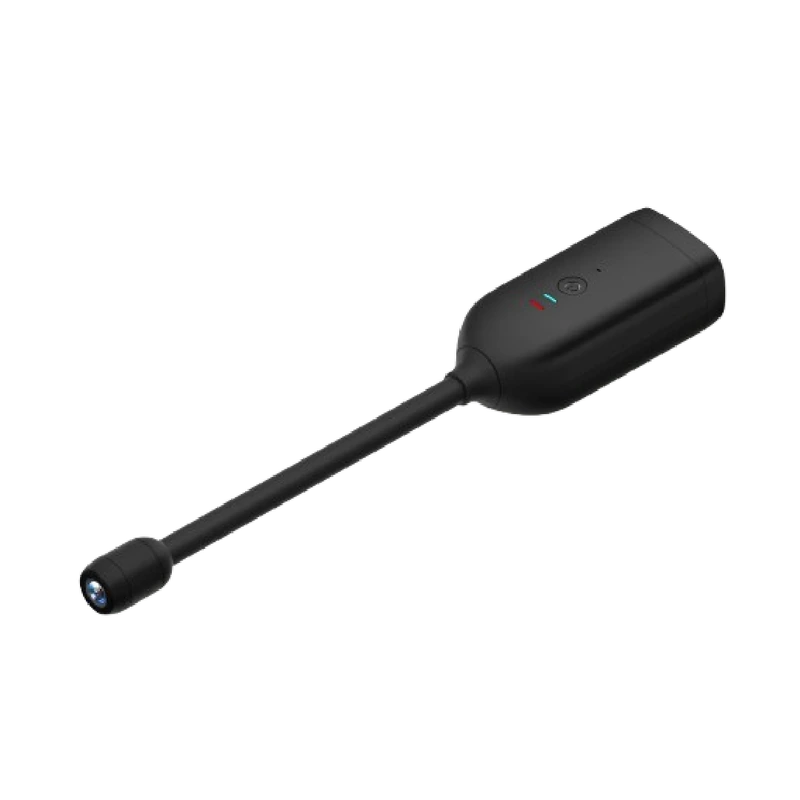
The digital clock camera lists a Bluetooth speaker, WiFi remote viewing and a nearby hotspot mode. It also describes local MP4 recording to an SD card without WiFi. That is a different combination. Choose the everyday function you will actually use instead of assuming every clock-shaped camera includes the same features.
Understand what “offline” means
Offline recording and away-from-home viewing are separate capabilities. A camera may save video locally while disconnected from a router, yet still need a working internet connection for you to view it from another location. Nearby hotspot access is also local access, rather than a route to view the room from anywhere.
For the digital clock model, ask the seller about the supported card capacity, app and video options. Its published description identifies local recording but does not resolve every storage detail. Keep those questions attached to that exact model rather than borrowing specifications from the charging-clock model.
Budget for the whole recording workflow
A card sold separately and an optional cloud subscription change the overall decision. The charging-clock listing explicitly identifies a separate memory card and a subscription cloud option. Decide whether you want local recording, cloud access or both, and confirm recurring charges directly.
Loop recording keeps capture going by replacing older material. If an event matters, export it before it is overwritten. Ask how the current app saves a clip to your phone or computer, and test that process during setup.
A final room check
These are listing-based product comparisons, not a laboratory image-quality ranking. A resolution label alone cannot settle low-light detail, app reliability or the usefulness of a particular viewpoint. The better choice is the model whose documented functions fit your room and your recording plan.
- The lens has a clear view and its location is identified to people in the room.
- The clock display is readable and the chosen everyday function is accessible.
- The power lead reaches safely without pulling on the device.
- The app, network and recording requirements are confirmed.
- A test clip has been reviewed in daylight and with the usual evening lighting.
Sources & editorial note
Product facts are based on the authorized MySmartLife catalog export dated 17 October 2026 and the corresponding public listings checked 22 October 2026. Practical buying advice is our editorial interpretation. Specifications and availability should be reconfirmed before ordering.
- 4K WiFi Clock Camera – Wireless Charging, Night Vision & Motion Alerts
- WiFi Digital Clock Camera – Bluetooth Speaker & Remote Viewing
Corrections are welcome through our contact page.