Follow a clip from capture to export
The most useful storage question is not simply how many gigabytes a camera accepts. Ask what happens to a clip after the lens captures it: where it is saved, how you find it and how you keep a separate copy. That route determines whether the recording will be useful later.
Begin with one realistic example, such as retrieving a short clip from yesterday evening. Work through the required steps. Do you need the camera online? Must you remove a card? Can you download the file to the device you normally use? Ask those questions before deciding whether a storage option suits you.
Local cards: capacity is only one part
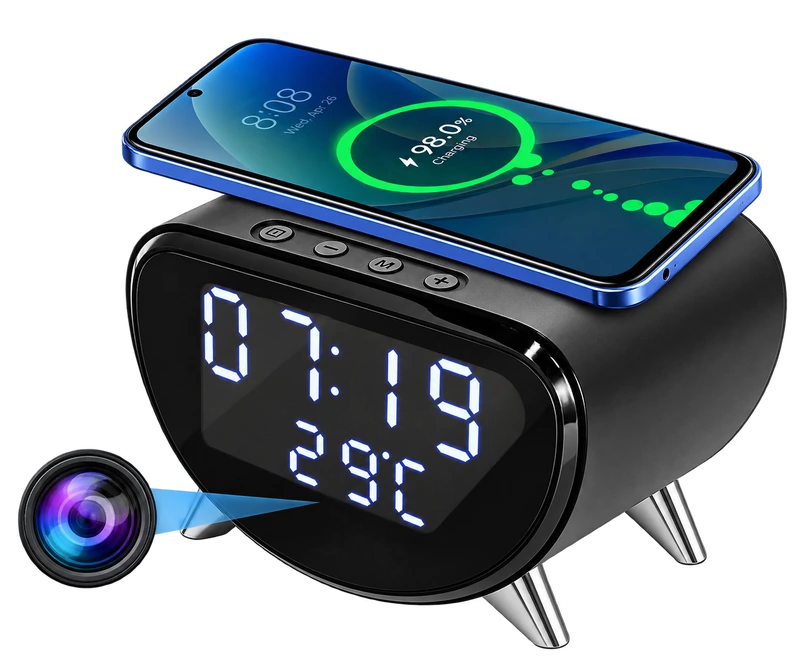
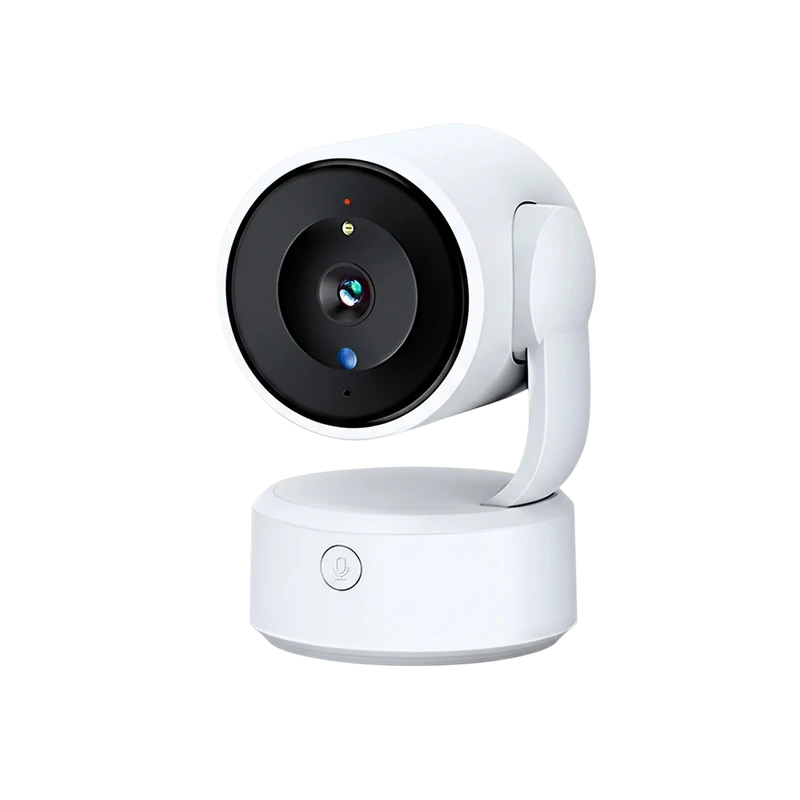
The fisheye camera lists microSD/TF storage up to 128GB, while the wireless-charging clock camera lists a memory card up to 256GB. Both identify the card as a separate purchase. These limits belong to those particular listings and should not be applied to another model.
Confirm the supported card type, format and recording settings. A capacity figure does not establish a guaranteed number of recording days. Retention depends on the camera’s recording behaviour and settings. Without the relevant bitrate and recording pattern, a precise duration would be a guess.
Cloud: ask what the subscription includes
A cloud option can be part of the camera’s workflow, but the word “cloud” does not define a complete plan. Confirm the current provider, price, retention period, available recording modes and whether downloads are included. Check how the account is secured and who will be able to view recordings.
The charging-clock description states that its cloud storage requires a subscription. The fisheye description lists cloud support without specifying the full plan. Those are different levels of information. Treat an unlisted fee as a question to resolve rather than assuming the service is free.
USB transfer: a different kind of convenience
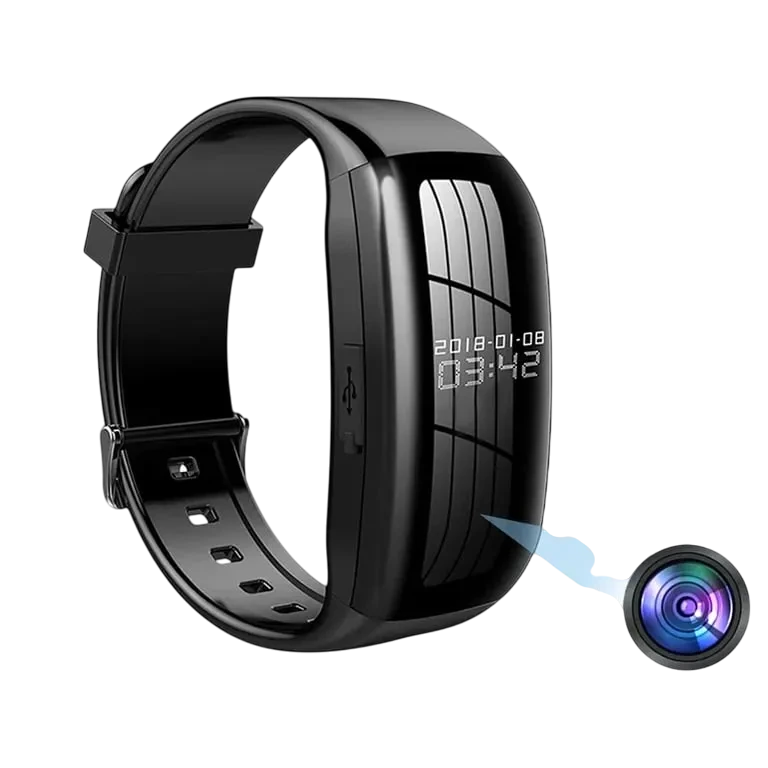
The camera watch lists USB file access on a computer and wired USB OTG access for compatible Android phones. This can suit a capture-now, review-later workflow. It does not establish a live camera feed over WiFi.
Check the intended computer or phone connection and any adapter requirement. A charging cable and a data-transfer cable are not automatically interchangeable in a practical kit, so test the supplied connection before relying on it.
Protect the recording you want to keep
Loop recording replaces older footage as storage fills. If a clip matters, export it promptly to a separate location. Open the exported file and check that it contains the expected picture, time and sound instead of assuming a completed download is enough.
Create a simple routine: review the event, export the useful portion, verify the file and keep access limited to the people who need it. Also decide when that separate copy should be deleted. Storage is most helpful when the workflow includes both keeping necessary material and avoiding an ever-growing archive of private footage.
Sources & editorial note
Product facts are based on the authorized MySmartLife catalog export dated 17 October 2026 and the corresponding public listings checked 22 October 2026. Practical buying advice is our editorial interpretation. Specifications and availability should be reconfirmed before ordering.
- 4K WiFi Clock Camera – Wireless Charging, Night Vision & Motion Alerts
- 5MP Fisheye WiFi Camera – 150° Lens & IR Night Vision
- 1080p Camera Watch – Video & Audio Recording with USB Transfer
Corrections are welcome through our contact page.