Write the routine before choosing devices
“Make the home smarter” is too broad to test. “Turn a compatible desk lamp on before my evening reading time” is specific. A clear routine has a trigger, an action and an expected result. Write all three down, including how someone can interrupt or override the action.
Pick a task you already repeat. A schedule for a suitable lamp or a compatible blind can be easier to assess than a chain of sensors, conditions and voice commands. Starting with one action makes a failure easier to understand and a success easier to appreciate.
Check the physical part first
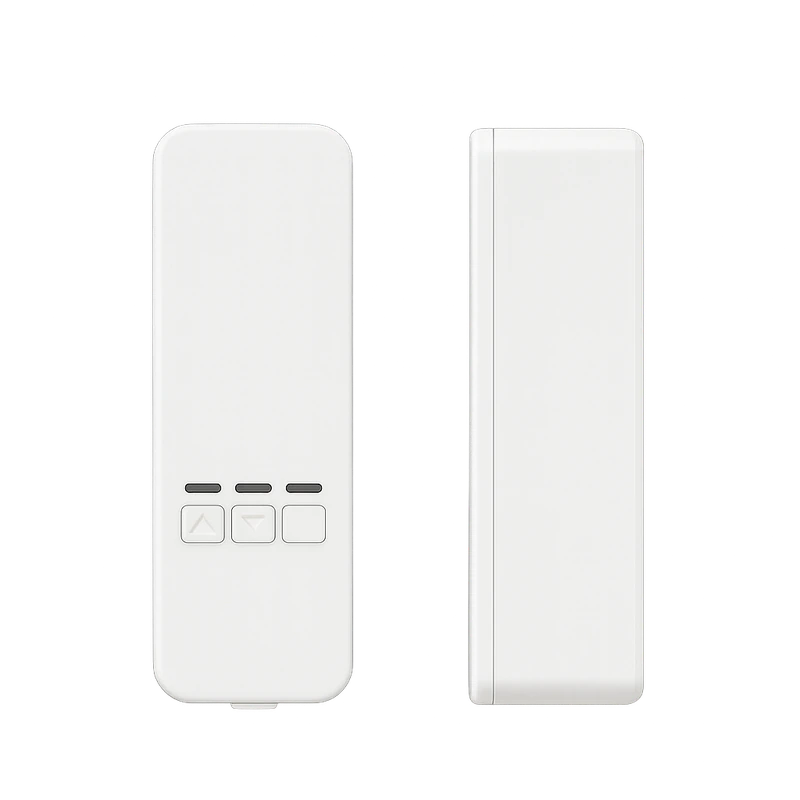
Software cannot resolve a blind motor that does not fit the chain or a plug that cannot safely control the intended appliance. For the listed roller-blind motor, confirm the chain or cord type, weight, mounting space and power route. The source lists a 12V external-power design and a maximum blind weight of 10kg, but those figures do not prove a fit for every mechanism.
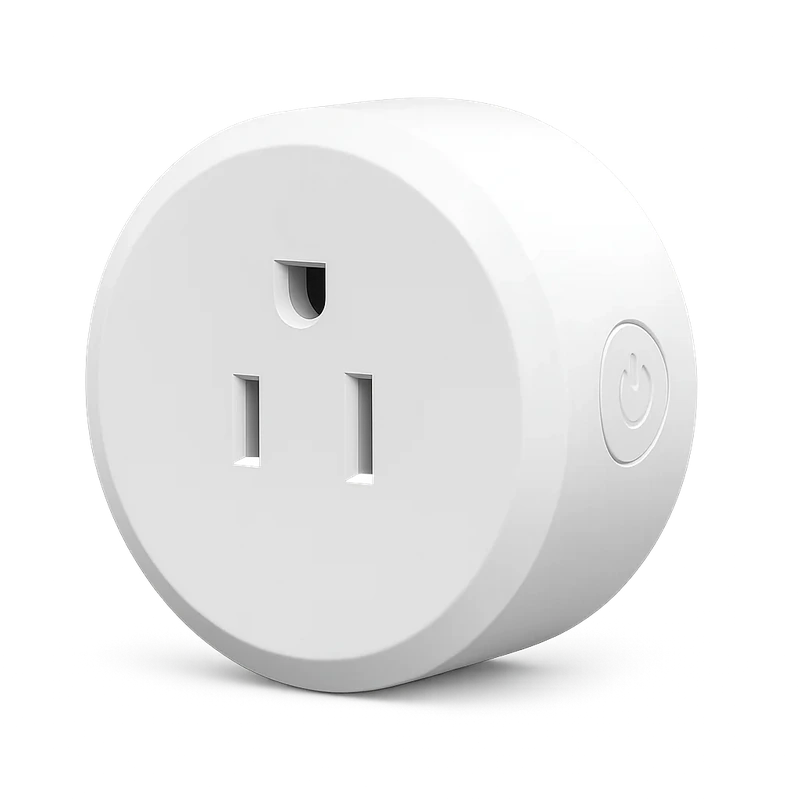
For the Smart Life plug, confirm the current electrical ratings and the appliance’s behaviour after power is restored. The plug’s schedule controls outlet power; the appliance retains its own controls. Start with equipment that is appropriate for this kind of switching.
Confirm the complete connection chain
An ecosystem label is a starting point. Ask about the exact app, network band, account setup and supported automation action for each device. The plug lists 2.4GHz WiFi. The blind motor lists Tuya-based WiFi. Do not transfer a network specification from one listing to the other without confirmation.
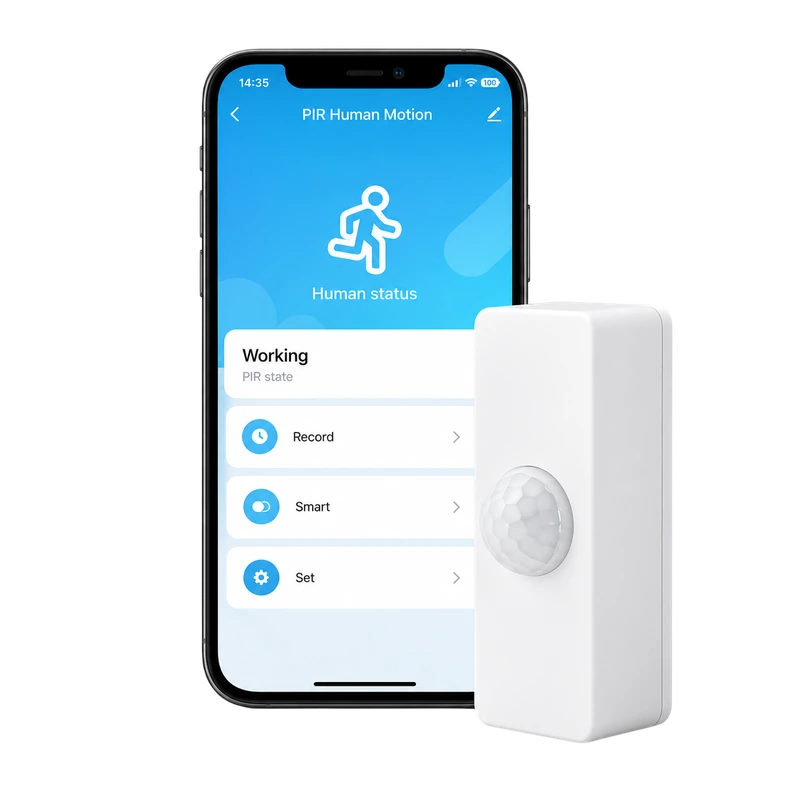
If adding the presence/PIR sensor, ask which events it exposes and how the desired action is configured. Its published description does not establish stationary-person detection, a sensing range or every supported automation condition. Keep those open questions visible in the plan.
Test the routine in four states
Observe several cycles before adding complexity. A scheduled blind that moves at an inconvenient time is a configuration problem, even if the motor works perfectly. A movement-triggered light that turns on too often may need a different position or timing.
- Normal operation: the intended trigger produces the expected action.
- Manual override: a household member can still use local controls.
- Missed connection: you understand what happens when connectivity is unavailable.
- Restart: the device returns to a state you have deliberately chosen or confirmed.
Leave a simple handover
Write a short note explaining what the routine does, where the local controls are and how to pause it. Keep account recovery information securely rather than putting passwords in the note. Other people should be able to use the room without needing to reverse-engineer the automation.
Once the first task feels dependable, decide whether a second device would solve a real inconvenience. A small setup with understandable controls is easier to maintain than a larger collection with unclear responsibilities. Expand because the next action is useful, rather than because another device can be connected.
Sources & editorial note
Product facts are based on the authorized MySmartLife catalog export dated 17 October 2026 and the corresponding public listings checked 22 October 2026. Practical buying advice is our editorial interpretation. Specifications and availability should be reconfirmed before ordering.
- Smart WiFi Plug – Smart Life App, Voice Control & Timer
- WiFi Smart Roller Blind Motor – App-Controlled Motorized Shades
- WiFi Human Presence & PIR Motion Sensor for Tuya Smart Home
Corrections are welcome through our contact page.